
How Can I Remove Google Ads? A Complete Step-by-Step Guide
Google Ads appear on many websites, apps, and YouTube videos. While ads help content creators earn money, many users find them distracting, annoying, or disruptive. If you are wondering how to remove Google ads, this guide will show you all the safe and legal ways to reduce or stop ads on your devices.
Let’s explore the best methods for removing or limiting Google ads.
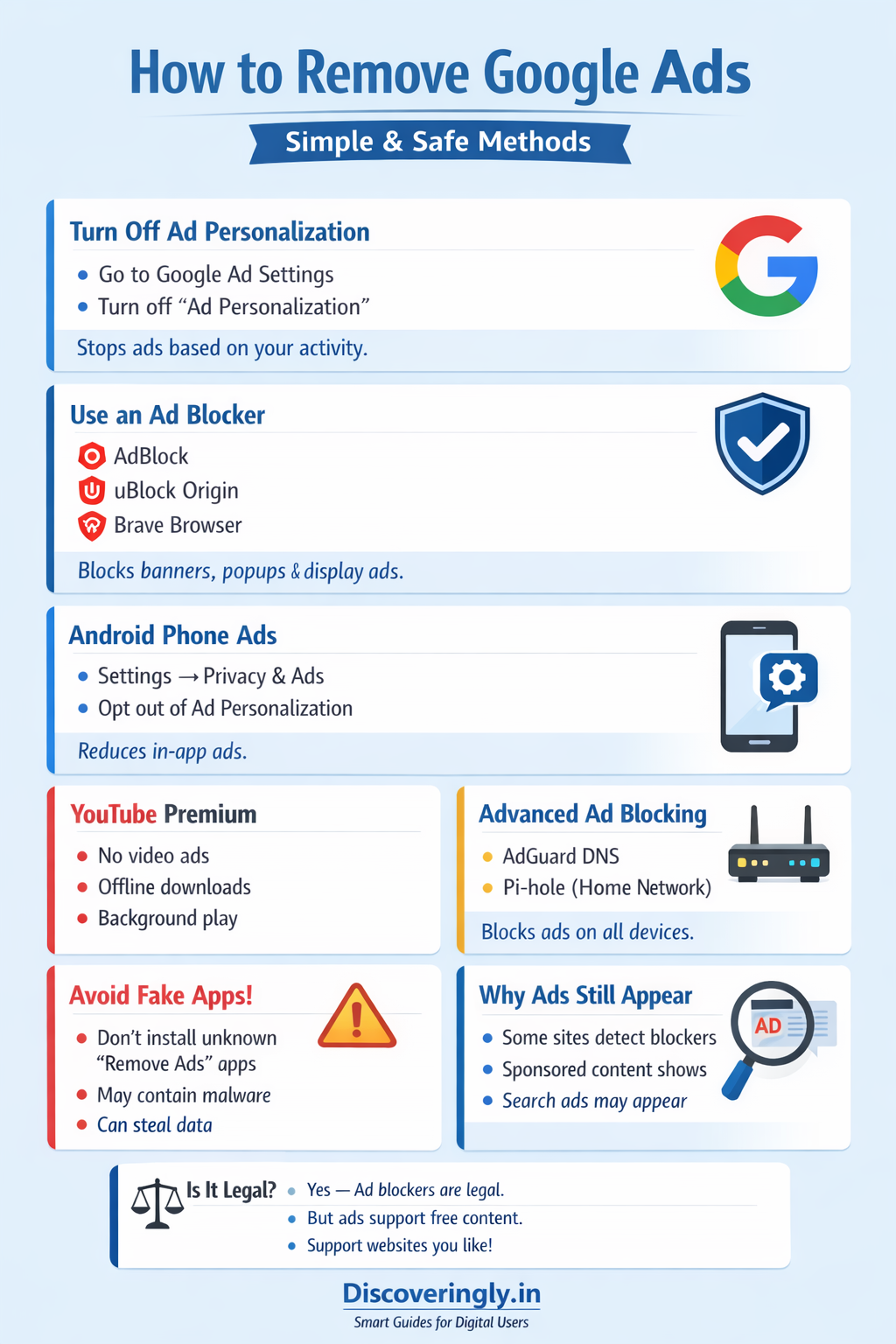
Turn Off Ad Personalization in Google Settings
Google shows ads based on your activity. You can reduce targeted ads by turning off ad personalization.
Steps:
-
Go to Google Ad Settings
-
Sign in to your Google account
-
Turn off Ad Personalization
-
Remove interests listed under “Ad topics”
This won’t remove all ads, but it will stop Google from showing ads based on your browsing behavior.
Use an Ad Blocker Extension (For Browsers)
Ad blockers are one of the most effective ways to remove ads while browsing websites.
Popular ad blockers:
-
AdBlock
-
Adblock Plus
-
uBlock Origin
-
Brave Browser (built-in ad blocker)
How to install:
-
Open Chrome Web Store or Firefox Add-ons
-
Search for an ad blocker
-
Click Add to Browser
-
Enable it
Once installed, most Google ads will be blocked automatically.
Remove Google Ads on Android Phone
You can limit ads on Android devices by disabling ad personalization.
Steps:
-
Open Settings
-
Go to Privacy & Security
-
Tap Ads
-
Turn on Delete advertising ID or Opt out of Ads Personalization
This reduces targeted ads in apps and games.
Remove Ads on YouTube (Premium Option)
If you want a 100% ad-free YouTube experience, the official way is YouTube Premium.
Benefits:
-
No video ads
-
Background play
-
Offline downloads
-
YouTube Music included
This is the safest and legal way to remove YouTube ads completely.
Block Ads Using DNS or Network Settings (Advanced Users)
Advanced users can remove ads at the network level using:
-
Private DNS (like AdGuard DNS)
-
Pi-hole (for home networks)
This blocks ads on all connected devices including smart TVs and mobile apps.
Avoid Fake “Remove Ads” Apps
Many apps claim to remove Google ads but may:
-
Collect your data
-
Install malware
-
Slow down your device
Always use trusted tools from official app stores and well-known developers.
Why You Still See Ads Sometimes
Even after blocking ads:
-
Some websites detect ad blockers
-
Sponsored content may still appear
-
Google search ads may still show
Ad blockers mainly stop banner ads, pop-ups, and video ads.
Is It Legal to Remove Google Ads?
Yes, using ad blockers is legal in most countries.
However, remember that ads help websites earn money. If you like a website, consider whitelisting it or supporting it through subscriptions.
Final Thoughts
Removing Google ads is possible through:
-
Google Ad Settings
-
Ad blocker extensions
-
Android privacy controls
-
YouTube Premium
-
DNS-based blocking
Choose the method that fits your device and comfort level. For the best balance, use an ad blocker and turn off ad personalization in your Google account.
Frequently Asked Questions (FAQ)
Q1. Can I remove Google ads completely?
You can block most ads using ad blockers or YouTube Premium, but not 100% across all platforms.
Q2. Are ad blockers safe?
Yes, if you use trusted ones like uBlock Origin or AdBlock Plus.
Q3. Will removing ads slow my phone?
No, in fact ad blockers often make browsing faster.
Visit Discoveringly for more info.
